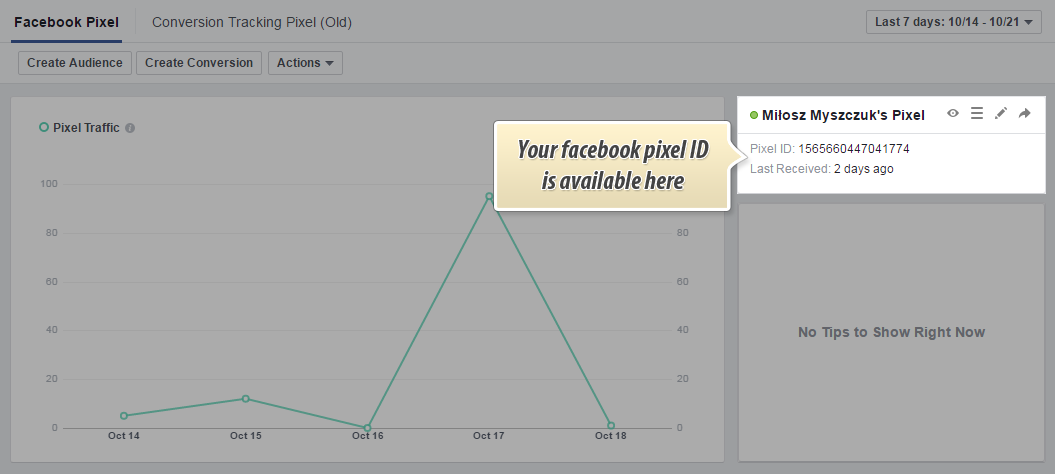
In one from my previous articles i described how to get old facebook pixel ID and how to insert facebook ads pixel to website with html box pro module usage. Unfortunately facebook no longer supports old pixels, so in this case we have to get new pixel ID. It's very easy process, you just have to copy it from your ads manager page. This tutorial is available as a part of facebook pixel prestashop module documentation
If you've got pixel:
If you don't have a pixel

Article written byMilosz Myszczuk, PrestaShop expert. CEO and founder of the VEKIA interactive agency. Learn more.
If you like this article, support our work!

Control which shipping carriers customers see at checkout. Shipping Method Rules is a PrestaShop pol...
129.00 €

Apply conditional order discounts using native cart rules. Create BOGO deals, buy N get M free, spen...
149.00 €

Sell optional checkout services your customers choose: gift wrapping, shipping insurance, express ha...
149.00 €

Charge handling, service or packaging fees only when your rules match. Conditional Order Fees adds a...
129.00 €



