
PrestaShop Password protected CMS pages
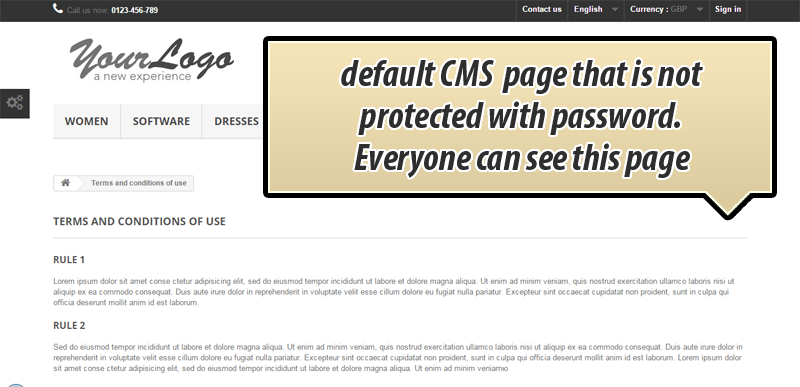
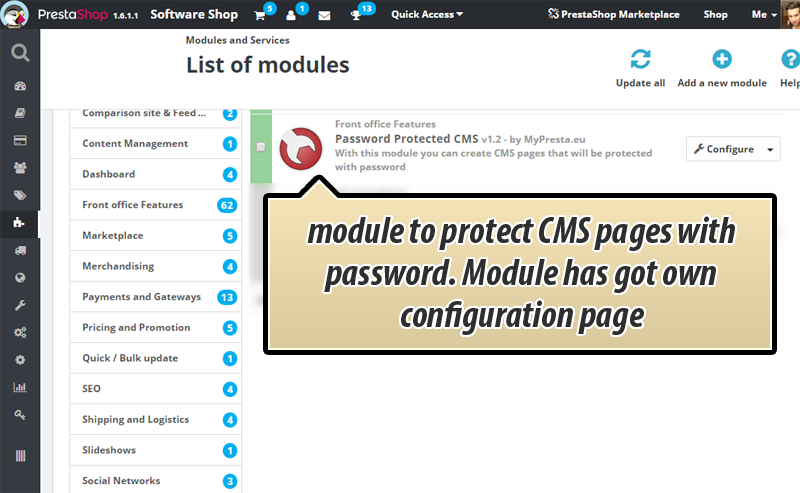
With this PrestaShop module you can protect selected CMS pages with password. Page will not be visible by default, it will be possible to see contents of the CMS page only if someone will eneter correct password. You can turn on password protection only for selected pages. Each cms page can have own unique password.
30.00 €
Galeria 1/10
CMS Page Password Protection
This PrestaShop module significantly enhances your shop's security by enabling robust password protection for your CMS pages. Customers gain access to sensitive content only after providing the correct password, ensuring controlled viewing. Each CMS page can be configured with its own unique password, offering granular management over your information. The module boasts an intuitive configuration interface for effortless page selection and password definition. Furthermore, it supports the generation of an unlimited number of custom passwords, each with definable expiry times, providing highly flexible access control for time-sensitive or exclusive content. This professional solution effectively safeguards your valuable digital assets.
Module version:
1.5.7
Shop versions:
9.x8.x1.7.x1.6.x
Works with ThirtyBees:
Yes
Translations:


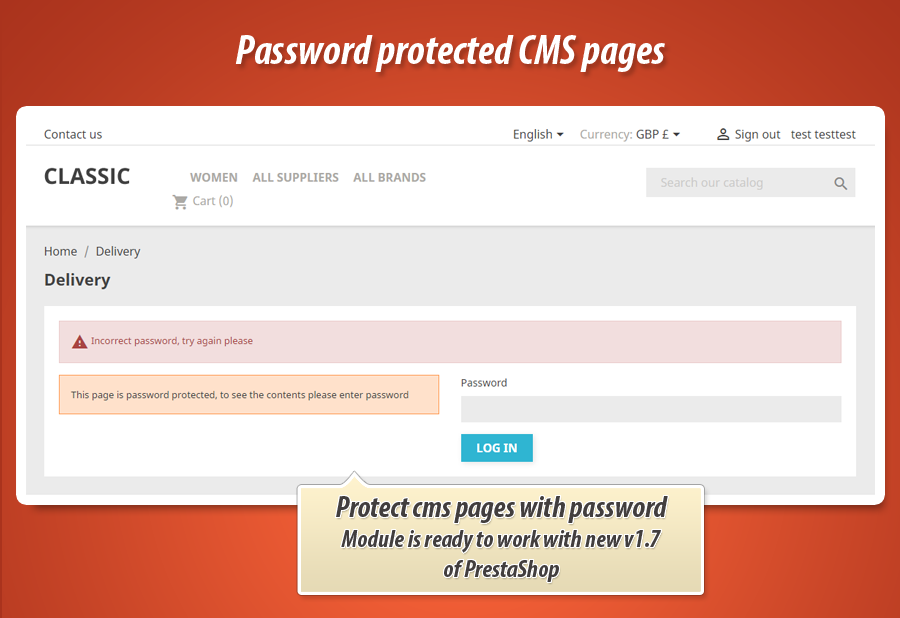
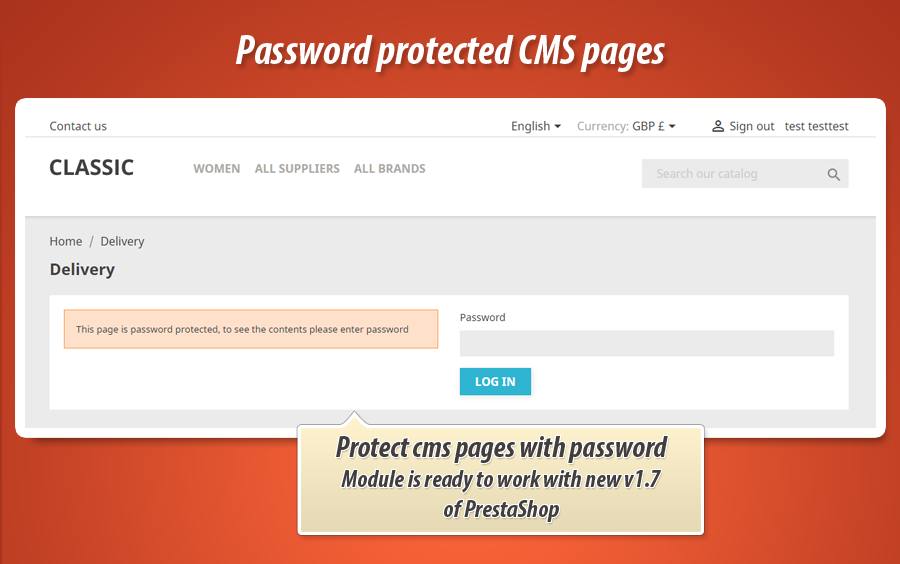
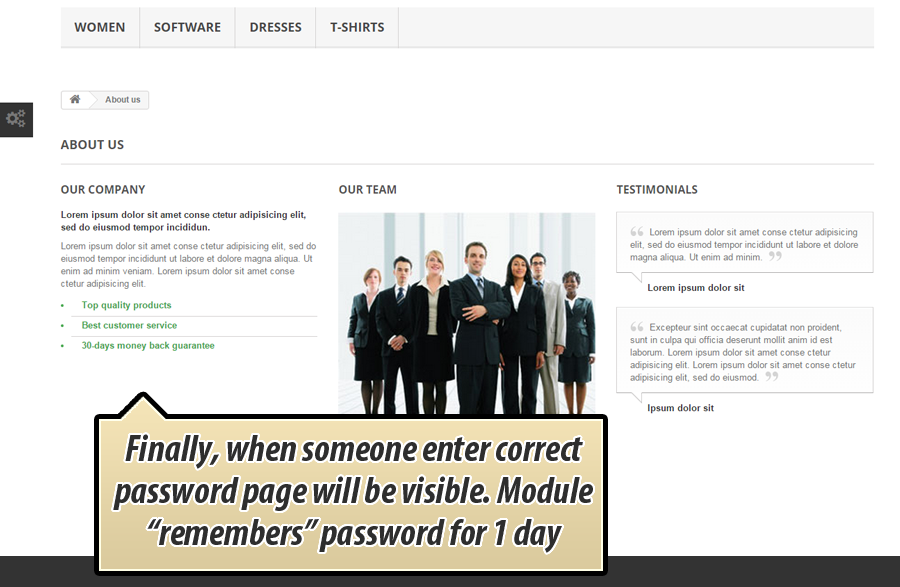
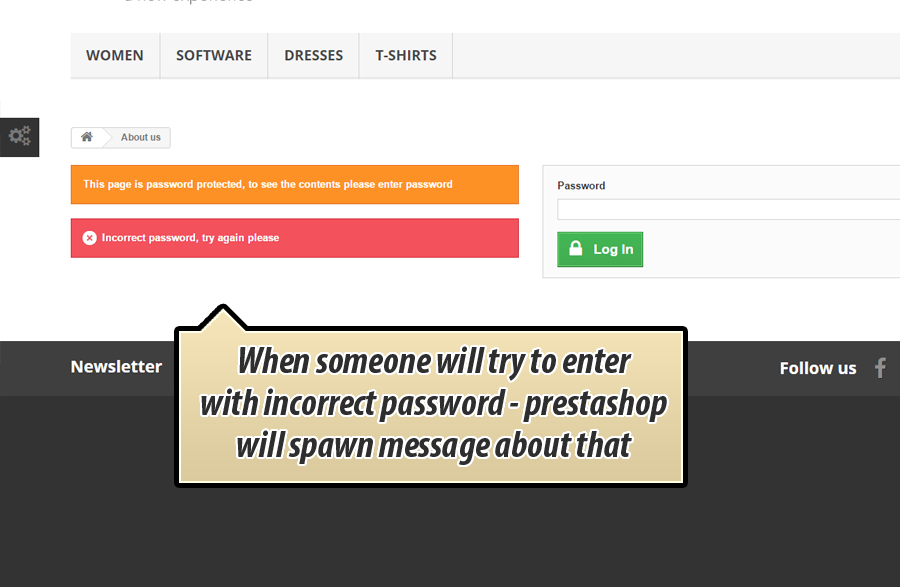
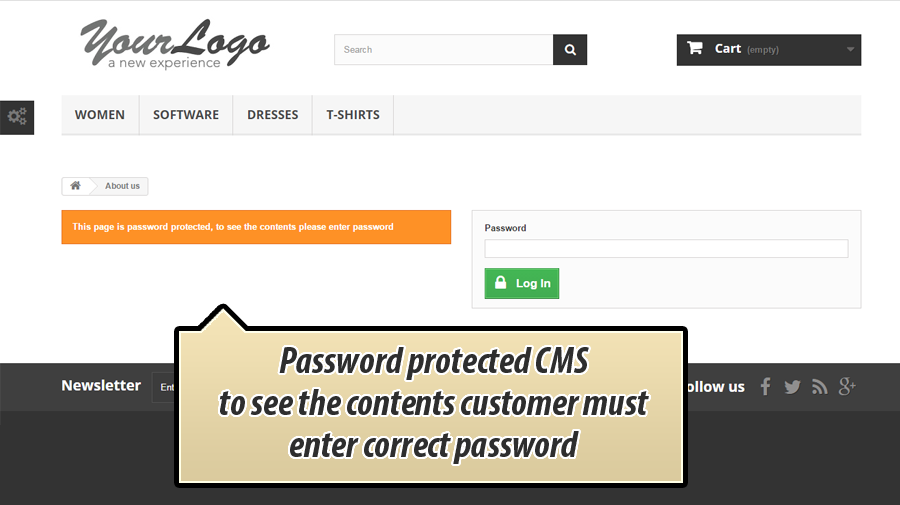
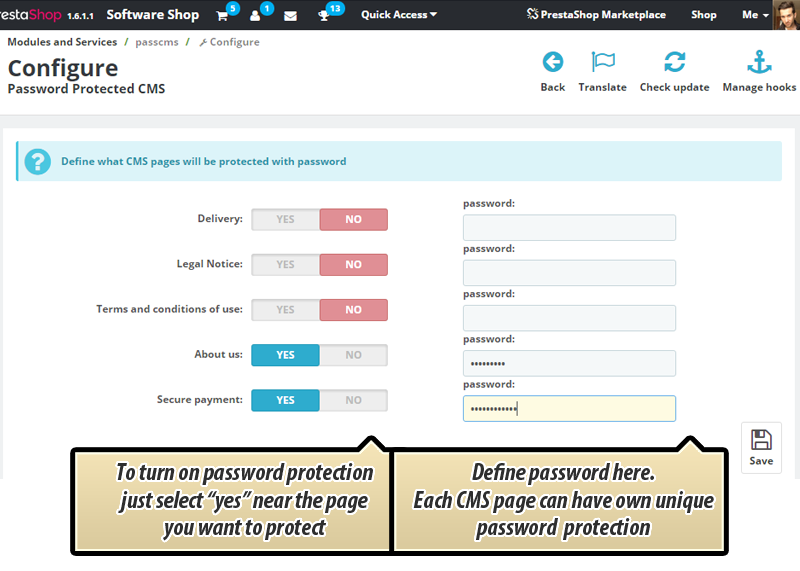
This PrestaShop addon adds special feature to your shop to protect CMS pages with password (check screenshot). Customers will be able to see the contents only if they provide correct password. Otherwise they will not see the contents, or see the message about incorrect password (if they will use bad password - see screenshot)

Main features of the module to protect CMS pages
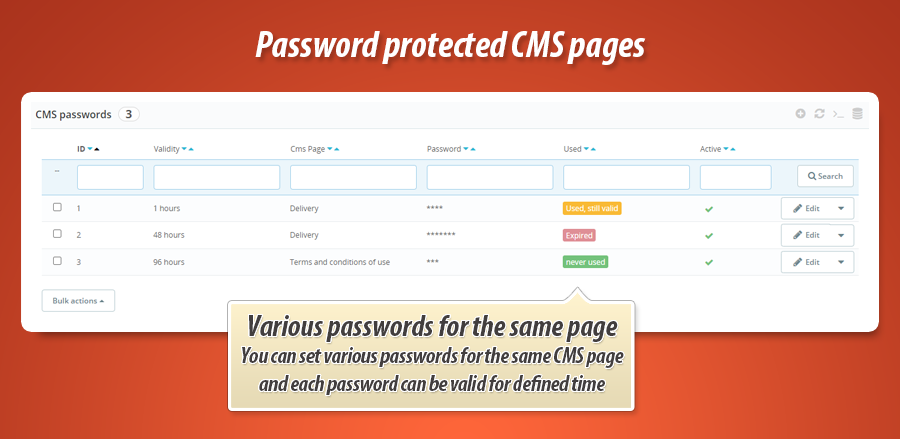
Main and most important feature of this PrestaShop plugin is a possibility to protect CMS pages with password. Addon allows to decide which CMS pages will be protected with password. Each CMS page can have own unique password. Configuration page of the module is easy in use and intuitive (check screenshot). Just select which pages you want to protect with password (switch option to YES) and define own password - that's all!
Unlimited number of custom passwords with defined expiry time
Module has feature to generate unlimited number of custom passwords that will expiry after defined number of days (hours). This means that you can generate unlimited number of passwords for each cms page and decide how long these passwords will be valid after first usage.


30.00 €
Module Gallery 1/10
Why choose our module
Password protected CMS pages?
Optimization and Automation
This module optimizes content delivery with automated password protection for CMS pages. It streamlines access to exclusive information, enhancing security and value for targeted audiences. It automates temporary access management by generating unique, time-limited passwords, significantly reducing manual administrative tasks and optimizing your store's content strategy.
Increased Sales
This module drives sales by allowing you to offer exclusive, password-protected CMS content. Create private promotions, early access to new products, or special discounts for specific customer groups, leveraging unique, time-limited passwords to boost conversions and customer loyalty.
15 years of experience
With 15 years of PrestaShop experience, we developed this module to secure your CMS content effectively. It provides granular control, allowing unique passwords for each page and the ability to generate time-limited access keys. This reflects our deep understanding of your needs for flexible, robust information protection.
Extensive Customization
This module offers extensive customization for CMS page protection, allowing unique passwords for each page. You can also generate unlimited custom passwords with specific expiry times, tailoring access precisely to your store's unique needs.
Open Source Code
This module provides unrestricted access to its source code and templates, empowering developers with full transparency. There are no hidden functions or obfuscation, allowing for complete freedom to modify, extend, and integrate its password protection features to perfectly fit your PrestaShop store's unique requirements.
License and Updates
This module includes a perpetual license, guaranteeing its functionality for your shop indefinitely. Stay updated with free access to enhancements and compatibility fixes for a full year. Renewal options for continued updates are offered at reduced rates.