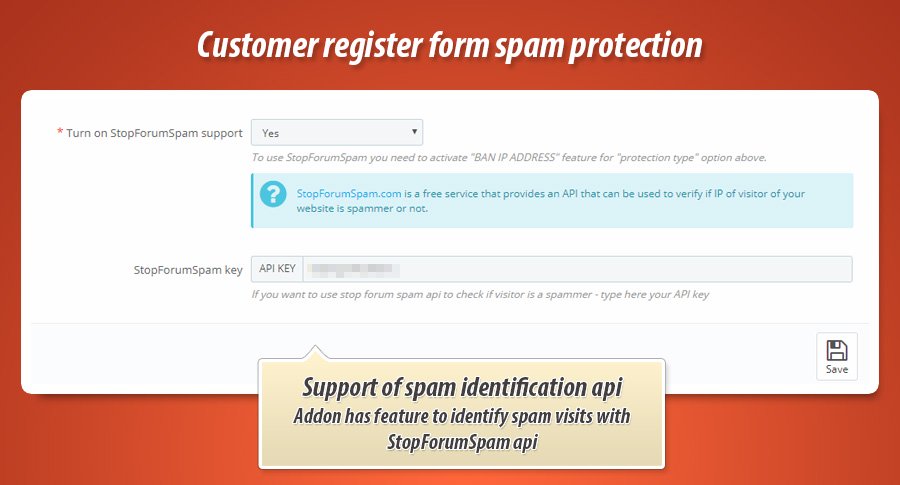
PrestaShop stpres are a subject of major spam attack recently. The PrestaShop's feature that is affected with this attack is the customer registration form. Spammers / bots creates many fake customer accounts in PrestaShop stores. Because of this we decided to build a solution that will identify SPAM attack and block it. Anti-spam feature we created is a module to block spam that is based on StopForumSpam API service.

What is the StopFormSpam service?
Stop Forum Spam is a free service that records reports of spam on forums, blogs and wikis to name a few. All these records are then made available to developers search and view but most importantly, to access in an automated way to block suspected spammers before they can get in the front door. Everyone is familiar with more traditional "solve the word" systems to prevent abuse, Stop Forum Spam is a targeted and specialsed solution to help stop abuse of your website.
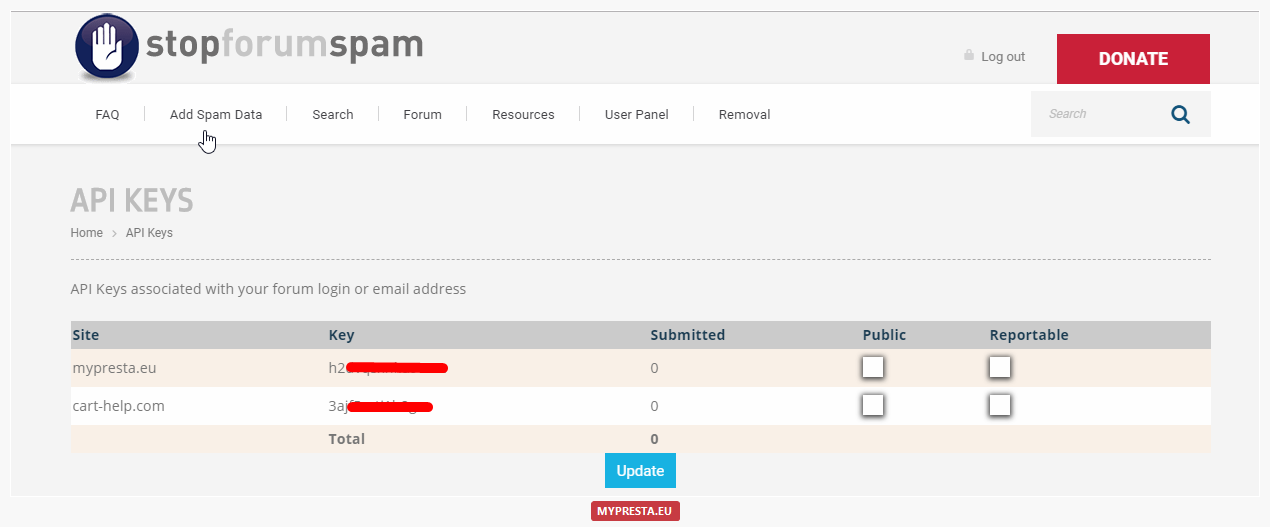
To get access to this great anti-spam api you do not have to pay anything. It's a kind of "open-source" service that offers spam identification for absolutely free. All you have to do is an account registration on https://www.stopforumspam.com/ page to get own unique API key dedicated for your website.
How to get API key?

Article written byMilosz Myszczuk, PrestaShop expert. CEO and founder of the VEKIA interactive agency. Learn more.
If you like this article, support our work!

Conditional Order Validation lets you block or warn checkout when a cart breaks your rules. Set cond...
129.00 €

Charge handling, service or packaging fees only when your rules match. Conditional Order Fees adds a...
129.00 €

Apply conditional order discounts using native cart rules. Create BOGO deals, buy N get M free, spen...
149.00 €

Sell optional checkout services your customers choose: gift wrapping, shipping insurance, express ha...
149.00 €